Within the Stock Receipting system, Users now have more options when creating multiple Claims via Adjustment Notes within the following programs:
- Stock Receipt by Order
- Manual Stock Receipt
- Process Electronic Invoice
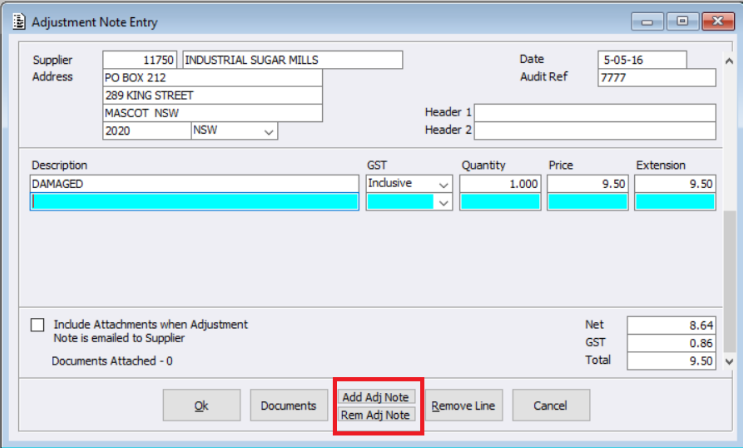
Within the Adjustment Note Entry screen, 2 new buttons have been created allowing users to easily add or remove additional Adjustment Notes as required. Meaning users are now able to:
- raise multiple claims on one adjustment note
- raise multiple claims, each on a separate adjustment note
For example, users can raise multiple claims and group these on separate adjustment notes. i.e. where 5 products are being claimed, 2 are damaged stock and can be on one note together, whilst 3 are incorrectly priced and can be on another note together.
This enhancement provides a time-saving improvement when managing and processing claim adjustments across stock receipt workflows.