
Within the Payroll Configuration menu, a new ‘Payday Super’ checkbox has been created. This enables sites to initiate Payday Super options prior to the mandatory start date of July 1st if required. Please note: that any Payroll batches dated 1st of July and beyond will need this configuration active to enable processing.
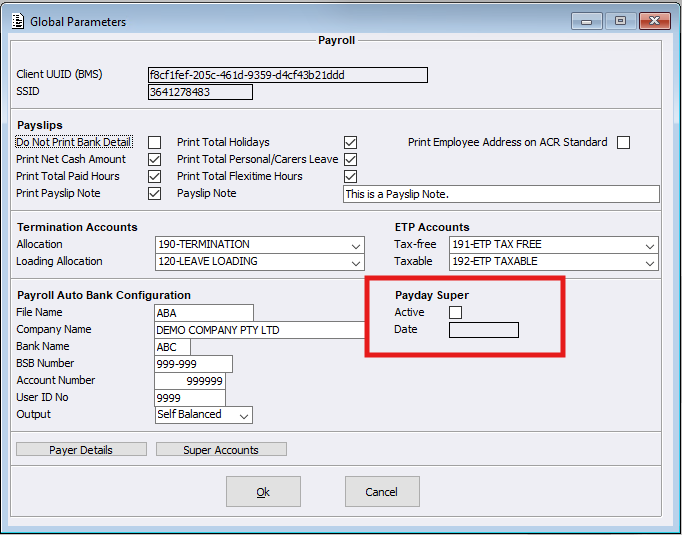
When ticking the Active box on, a date must be entered to indicate when Superannuation payments have been paid up to.
Please note: Currently the ACR Superannuation Report runs monthly, meaning regardless of the date the report is run and paid in the month, the date the Super has been paid up to is the end of the month. For example, the report is run and paid on the 15th of April. This means the date the Super has been paid up to is the 30th of April, so the Payday Super Initialisation Date would be the 30/04/2026.
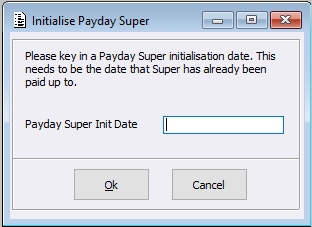
After entering a date, the system will then reconfirm:
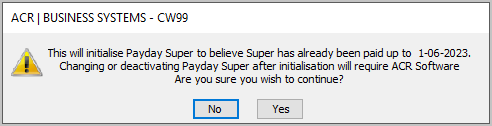
Users will need to restart their sessions once initialisation has been completed.
New Functionality
When making the ‘Payday Super’ configuration active, a number of features are then implemented within the Payroll System:
Payroll > Tasks > Superannuation Payments menu
When the above configuration is active the current Superannuation Payments menu will no longer be visible to users. This will be replaced with a new menu called ‘Payday Superannuation Payments’.
Payroll > Tasks > new Payday Superannuation Payments menu
Whilst the new Payday Superannuation Payments menu is similar to the previous payments menu there are now new additional details displayed. These additional details will provide easy management and processing of Payroll Superannuation payments.
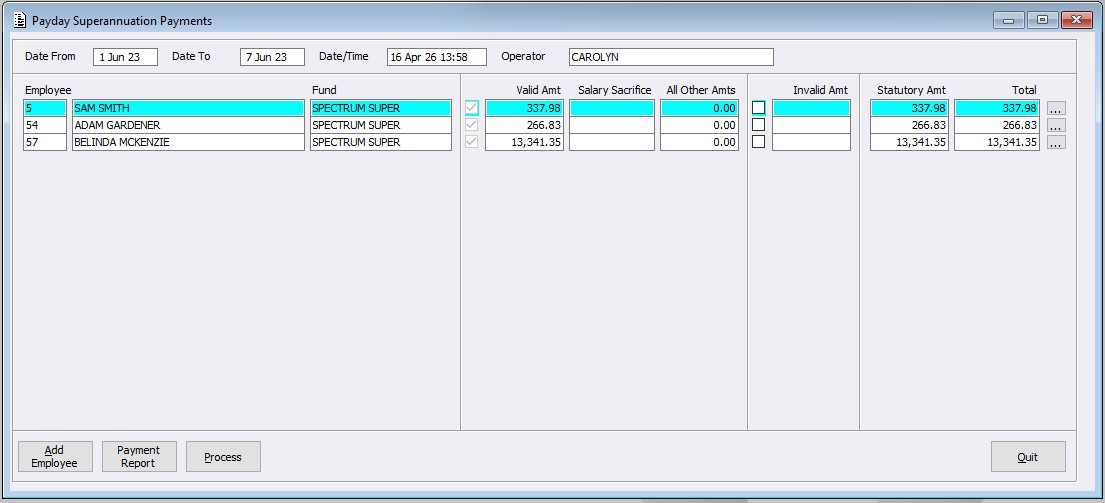
Once users have reviewed the data shown, select the Process button. Users will then need to confirm if a file is to be created.
On Selecting ‘No’, the system will process the listed records and clear the displayed data.
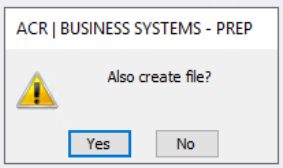
On selecting Yes, the system will then open a new window allowing users to save the created file (CSV format) where required on their PC.
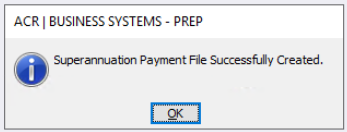
The system will then advise that the file was created successfully. On pressing OK the system will clear the displayed Superannuation Payment data.
Payroll Sheet menu
Part of Payroll processing is producing the Payroll Sheet, when the above configuration is active, the system will check if any Payday Superannuation Payments are ready to be processed.
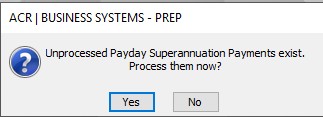
If Payday Superannuation Payments exist the above question will be displayed:
- Selecting Yes will open the Payday Superannuation Payments screen. Once this is completed, upon selecting Quit, the system will return back to the Payroll Sheet process
- Selecting No will skip Payday Superannuation Payments enabling them to be manually processed later, and continue with the Payroll Sheet process