Within the Invoicing environment, a new Invoice Type/Status has been created called ‘Scheduled’. This allows sites to schedule an Invoice to automatically print at a later specified date and hour.
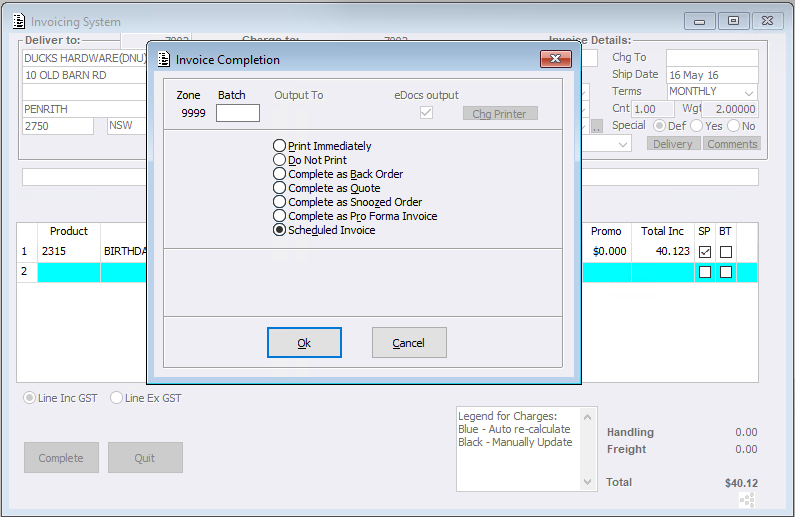
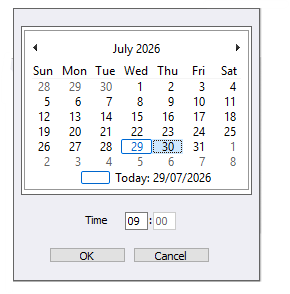
On completion of a Standard Invoice Users will select ‘Complete as Scheduled Invoice’ where they can then set the date/hour. Alternatively ‘Scheduled’ can be selected under a new Options Tab sub menu called ‘Complete As’. Users will have the following options:
- Quote
- Snoozed Order
- Pro Forma Invoice
- Scheduled Invoice.
These options stop the ‘Complete As’ selection screen from displaying and will skip Authorisation checks where appropriate.
After a schedule has been set:
- The Invoice status will change to ‘Scheduled’
- An entry will automatically be created in the Invoice Log, recording the scheduled date and time.
- The Invoice will not be included in the Customers Unprinted Invoices
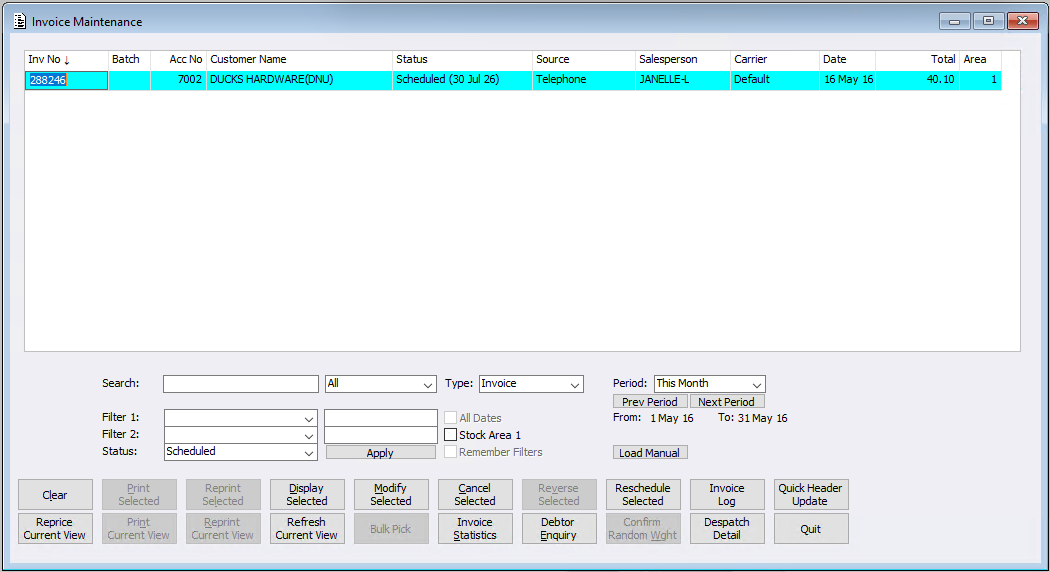
- Scheduled Invoices can be managed through Invoice Maintenance. Users can:
- Search for Invoices using the new Scheduled status.
- The Scheduled Date will appear in the ‘Status’ column
- Modifying a Scheduled Invoice can only be completed as a Scheduled Invoice
- Use the new Reschedule Invoice button to:
- Change the scheduled date and hour.
- Set the schedule to Now, allowing the Invoice to be processed immediately
Automatic Processing is controlled by the JobMaster program, a system job runs hourly between 5:00 AM and 7:00 PM to process all Scheduled Invoices that are due.
When processed, the system will:
- If authorisation is not required, the document will complete according to the Zone configuration
- Update the Invoice Date and Ship Date
- Reprice any lines that were used/calculated with system-generated pricing
- Recalculate any automatically calculated handling, insurance, and freight charges.
- If authorisation is not required, the Customers Unprinted Invoices will be updated
- Check whether the Invoice requires authorisation. If authorisation is required, the Invoice status will change to Waiting Authorisation
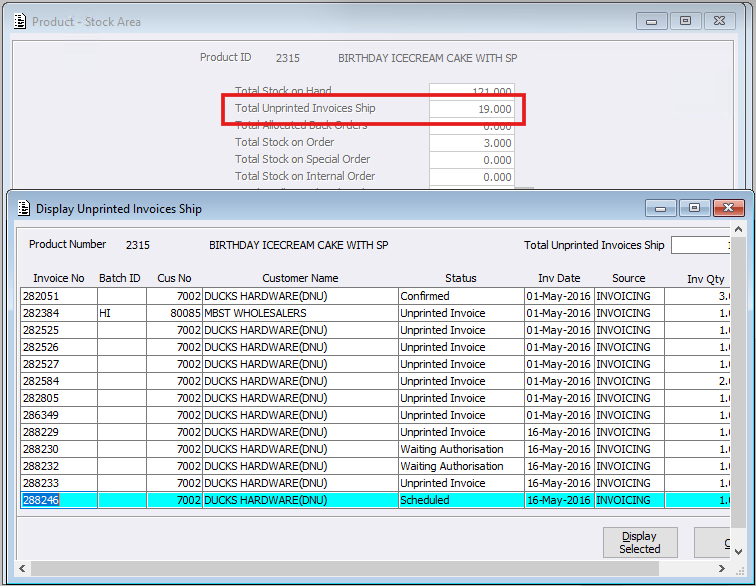
- If configured, the Products Unprinted Invoices Ship value will be updated (see Invoice Configuration ‘Unprinted Inv Ship includes Scheduled Invoices’)
New Invoice Configuration
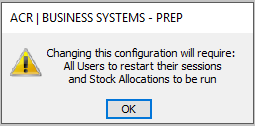
In support of this new feature, a new configuration within Invoice Configuration called ‘Unprinted Inv Ship includes Scheduled Invoices’ has been created. This will determine whether sites would like the stock from scheduled invoices to be included in the SOH total for Unprinted Invoice Ship Qty.